

A measured route to subwoofer placement, timing and crossover
To truly integrate a subwoofer, you need to measure its combined response with your main speakers in-room—going well beyond auto-setup or standard crossover settings. Sequence your adjustments: placement, delay, crossover, and phase. That's the only way to avoid low-frequency cancellations and ensure the sub adds, rather than subtracts, from your system.
Evidence boundary: This is a measurement sequence, not a universal setting. LineaSonora did not measure the reader’s room, and the examples do not establish one crossover, delay or target curve for every system.[1][2][3][4]
Integration is the measured sum
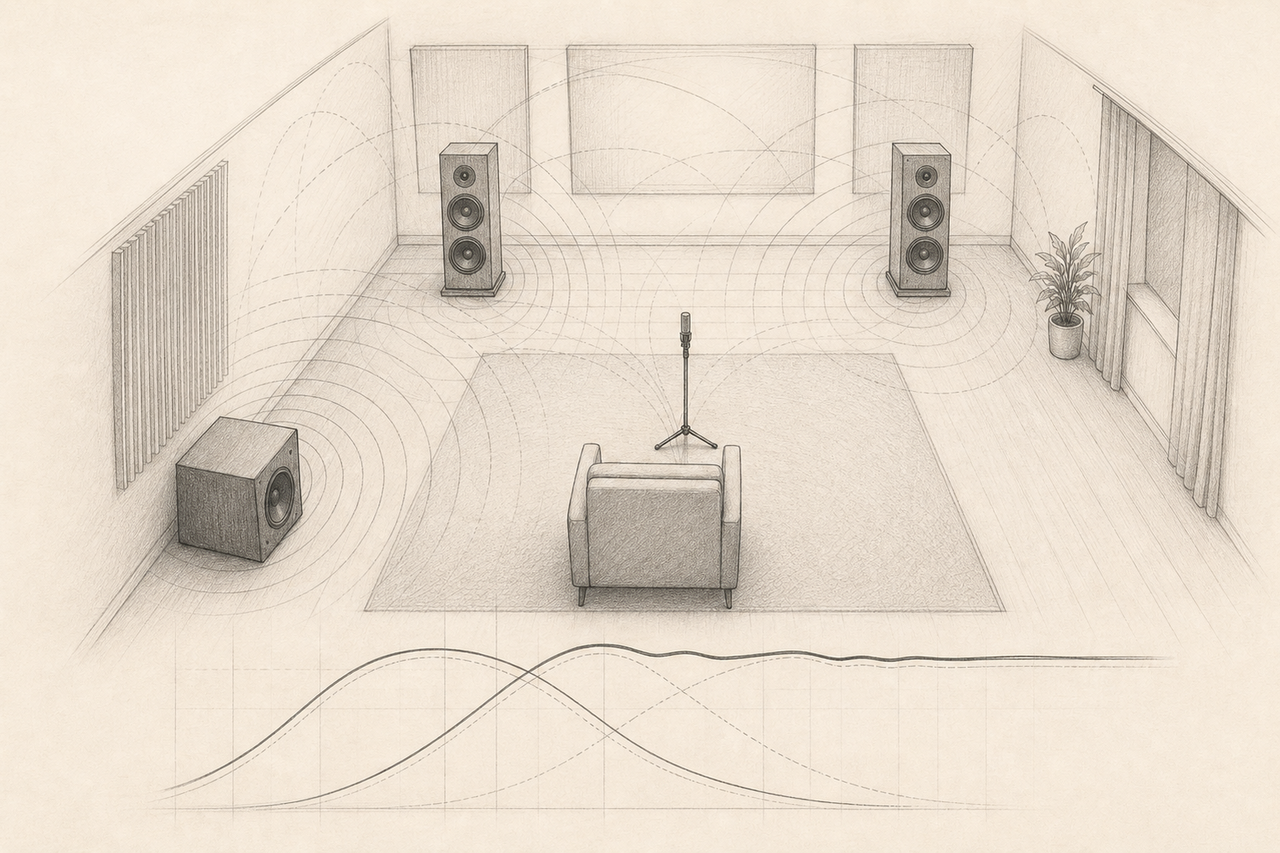
A subwoofer and the main speakers overlap around the crossover. What matters is their combined acoustic response at the listening position or area—not the electrical numbers in isolation. Room boundaries and modes can create large changes with position, especially at low frequencies.[3]
1. Preserve a baseline
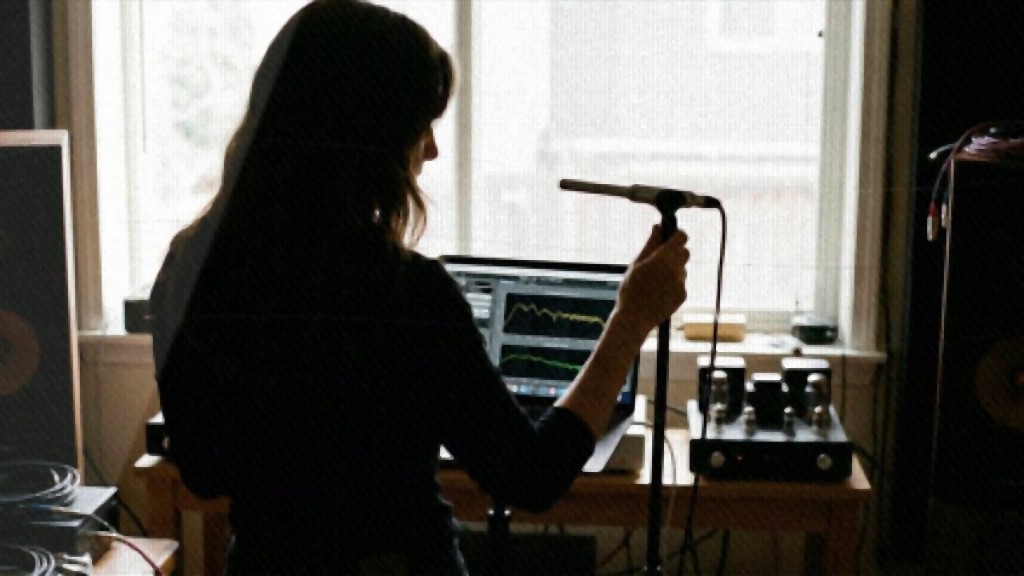
Document speaker positions, subwoofer position, crossover, polarity, phase, gain, processor mode and microphone calibration. Measure the mains and sub separately from the same microphone location, then measure them together. Without that baseline, a later improvement cannot be separated from a level change or a different setup.
2. Choose placement before equalisation
Measure several practical subwoofer positions. A position with a deep cancellation at the listening area is a poor candidate for large corrective boost. For more than one seat, sample the intended seating area rather than optimizing one point and assuming the result transfers. Research on multiple subwoofers shows that placement and additional sources can reduce seat-to-seat variation, enabling more effective equalisation afterward.[3]
3. Establish the crossover region
Apply the intended high-pass and low-pass filters, then compare the filtered main-speaker and subwoofer responses. An 80 Hz crossover is a common starting point, not a verdict. The useful frequency and slopes depend on the speakers’ acoustic roll-off, the subwoofer, processor behaviour and room response.[2][4]
4. Match level and timing
Bring the traces to comparable level around the crossover, adjust delay or the available phase control, and remeasure the combined response after every change. miniDSP’s published workflows explicitly use separate and combined measurements to align the subwoofer near the crossover.[2][4] A phase knob is not a substitute for knowing what the processor’s delay and filters already do.
5. Verify both channels and more than one seat
Repeat the combined measurement with left plus sub and right plus sub. Asymmetry in the room can make one transition behave differently. If several seats matter, compare them before accepting a setting; publish the compromise rather than one unusually smooth trace.
6. Use equalisation after placement and summing
Equalisation is most useful for bounded response shaping after a viable placement and crossover have been found. Avoid large boosts into deep nulls without checking their spatial and temporal cause. REW can expose response and timing information, but the operator still has to define the measurement window, smoothing, target and safe correction limits.[1]
Stop conditions
- Stop if required controls are unavailable or undocumented.
- Stop before unsafe levels, unstable gain or excessive boost.
- Do not copy another room’s delay or EQ values.
- Keep a bypassed baseline and verify that the change helps the intended seats.
The result is a receipt: positions, measurements, filters, delay, level and the seats evaluated. That record is more useful than a universal “best crossover” claim.