

ARC and eARC: the format depends on the whole signal path, not the logo
ARC and eARC return television audio through HDMI, but neither label alone identifies the format a receiver or soundbar will receive. Start with where the audio originates, then trace every device, port and setting between that source and the final decoder.

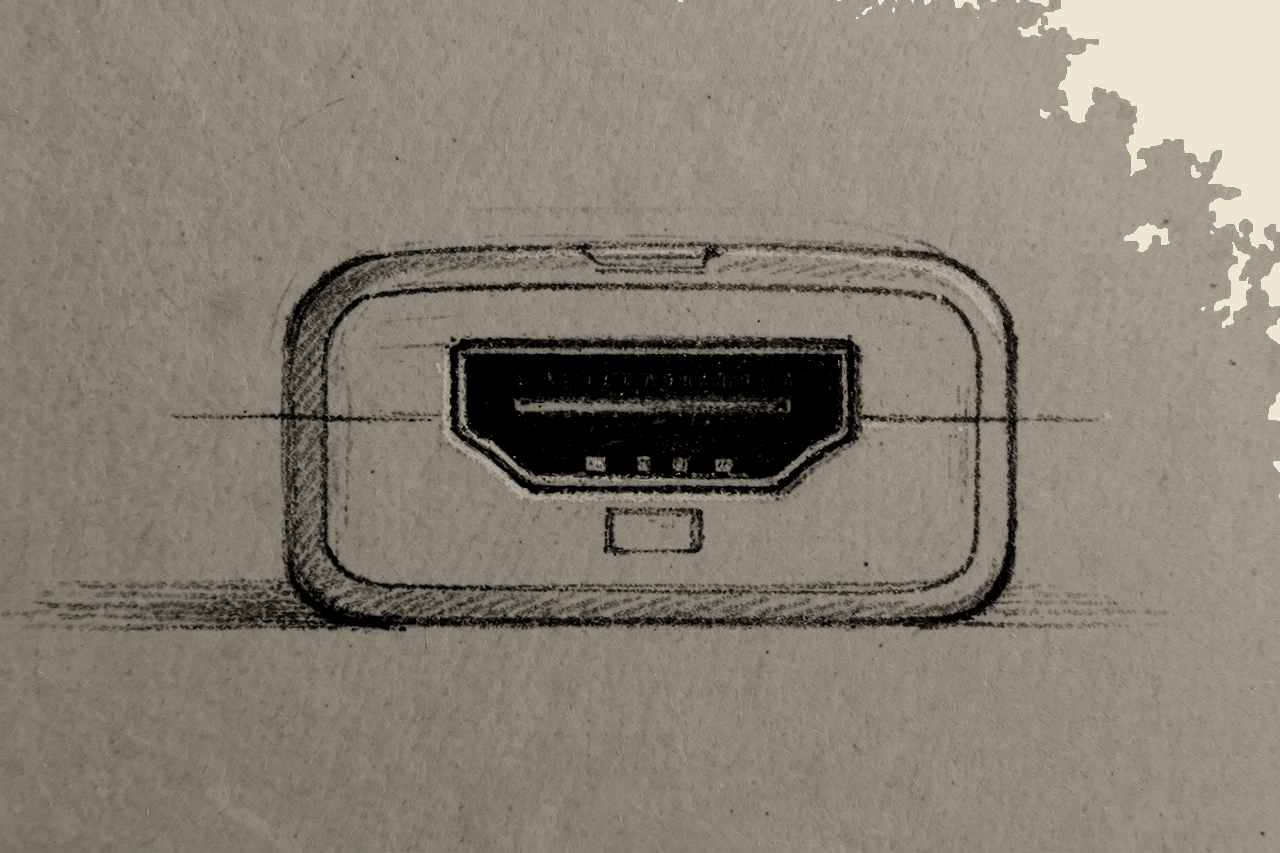
“Does my TV have eARC?” is a useful starting question. It is not the question that decides the result. The useful question is: what route does this particular audio signal take?
ARC and eARC are HDMI audio-return mechanisms. They allow a television to send audio back through HDMI to a receiver, processor or soundbar. eARC is the higher-capacity evolution of ARC; HDMI Licensing Administrator describes it as supporting higher-bandwidth audio, including multichannel PCM and lossless formats, within the conditions of the specification.[1]
That does not make the port label a certificate for the rest of the system. The source may offer one format, the TV may handle it in another way, the return link may be limited by one endpoint, and the receiving device may not decode what arrives. The logo confirms a capability at one stage. It does not describe the entire route.
The first question: where does the audio travel?
Before comparing badges, draw the route. Put the device that plays the content at the beginning, the TV in the middle when it is involved, and the receiver or soundbar at the end. Then distinguish video travelling to the TV from audio travelling to the sound system.
1. TV app → TV → receiver or soundbar
Here the TV is both the playback device and the audio-return transmitter. Check what the app provides on that TV, which output modes the TV makes available, and what the audio device can decode. ARC or eARC is the return link; it does not create the soundtrack.
2. External source → TV → receiver or soundbar
This is the route where passthrough matters. A player sends video and audio to the TV, then the TV returns audio to the sound system. Whether the TV returns an incoming format unchanged, outputs another supported format or imposes a limit is specific to the product, its firmware and its settings. Confirm it in documentation for the exact model rather than inferring it from an eARC label alone.[2]
3. External source → receiver or soundbar → TV
In this arrangement, the audio device receives the source directly and sends video onwards to the TV. ARC or eARC may still matter for the TV’s own apps, but it is not carrying the external source’s audio on this route. That removes the TV’s audio-return handling from that source’s path, while leaving separate compatibility questions for the devices on the video path.
These routes are conceptual, not a universal wiring prescription. Their purpose is simpler: to identify which device is currently deciding what happens to the audio.
ARC and eARC define capacity, not a complete installation
ARC sends audio from a TV back to an audio device over HDMI. eARC expands the return channel’s specified capacity for higher-bandwidth audio, including multichannel PCM and lossless formats where the connected products support them.[1]
That distinction matters whenever a system is expected to handle more than basic TV audio. Yet it does not mean every eARC TV returns every incoming format, every eARC soundbar decodes every codec, or every app exposes the same audio option on every platform. In practical use, the route, product implementation and configuration remain relevant.[2]
Nor should an HDMI version label be treated as shorthand for a complete eARC system. Video features, audio-return capability and format decoding are separate things to verify in the documentation of the TV and the audio device.
The five points where the result can change
1. Content and application
Begin with the programme, disc, broadcast or game itself. The format made available by the service or source is the upper limit. An eARC link cannot add a soundtrack that the source does not provide.
2. Playback device
An internal TV app, a media player, a console and a disc player may offer different output options. Check what the device reports and which output settings it documents. Do not assume that the same app name means identical audio behaviour across platforms.
3. Television input and audio output
In the second route, the TV is often the least visible but most consequential stage. Its specifications should distinguish HDMI input support from audio output or eARC support. A statement that a TV accepts a format at an HDMI input is not, by itself, evidence that it returns that format unchanged to an audio device.
4. The return link
Use the HDMI ports explicitly identified for ARC or eARC on both products. An eARC TV connected to an audio device that supports only ARC should be treated as an ARC-limited link: the more capable endpoint cannot raise the capability of the less capable one.
A cable, control behaviour or firmware may also be involved when a system fails, but none should be assigned blame by default. Without the exact devices, cable run and documented settings, a generic diagnosis cannot establish one cause.
5. Receiver, processor or soundbar
The final device must recognise and decode the audio that reaches it. Its published format support matters separately from its ARC or eARC label. A return connection can be working while the system still delivers a different format from the one expected.
Three outcomes that should not be confused
The expected format arrives. Content, player, TV route, return link and decoder are aligned.
Audio arrives in a different or reduced form. This suggests a format or configuration limit somewhere in the chain. Instead of guessing, identify the format available at the source, then compare the TV’s documented output support with the audio device’s documented decoding support.
There is no audio, or operation is unstable. This points first to a connection, control or configuration issue rather than to a format question. ARC and eARC operate within a wider HDMI environment, so the documented settings and firmware information for the devices involved are relevant checks.[2]
What to verify before buying—or changing anything
- Identify the intended route. Will important sources connect to the TV or directly to the audio device?
- Check the labelled ports. Confirm that the TV and audio device each identify the relevant ARC or eARC connection.
- Read both manuals together. Look for formats supported by the TV’s return output and formats decoded by the receiver or soundbar.
- Separate input claims from output claims. “Supports” may refer to an HDMI input, an internal app, speaker playback or audio return. These are not interchangeable.
- Review documented settings. Look for eARC enablement and the available digital-audio output modes.
- Check firmware notes and support pages. Use documentation for the exact models rather than general claims about a brand or platform.
A sensible troubleshooting order
- Write down the content source and the audio format you expect it to provide.
- Draw the current physical route, including the specific HDMI ports.
- Confirm whether the source is connected to the TV or directly to the audio device.
- Verify ARC or eARC support at both ends of the return connection.
- Compare the TV’s documented audio-output support with the receiver or soundbar’s documented decoding support.
- Review the available audio settings and firmware information for the exact products.
- If the issue remains, contact manufacturer support with the full model chain, connection route, source and observed output—not simply “eARC does not work.”
This process cannot guarantee a fix for every interoperability problem. It does replace the least useful diagnosis—“the logo says eARC”—with the information needed to locate the actual limiting dependency.